Watch with intent
Stay inside the video while adding structure: timestamps, A/B anchors, and focused playback controls are all within reach.
Study videos with structure
Import local videos or open web video services, then bookmark moments, organize them into groups, review faster, and keep your study flow synced.
App Store support
This support portal covers the CueRack iPadOS and Mac app, including playback, library, playlists, bookmarks, and cloud sync.
What this portal should help users do
Stay inside the video while adding structure: timestamps, A/B anchors, and focused playback controls are all within reach.
Keep different themes in separate tag groups instead of dumping every note into a single stream.
Restore snapshots, share selected marks, and keep your study collection moving between sessions.
Workspace
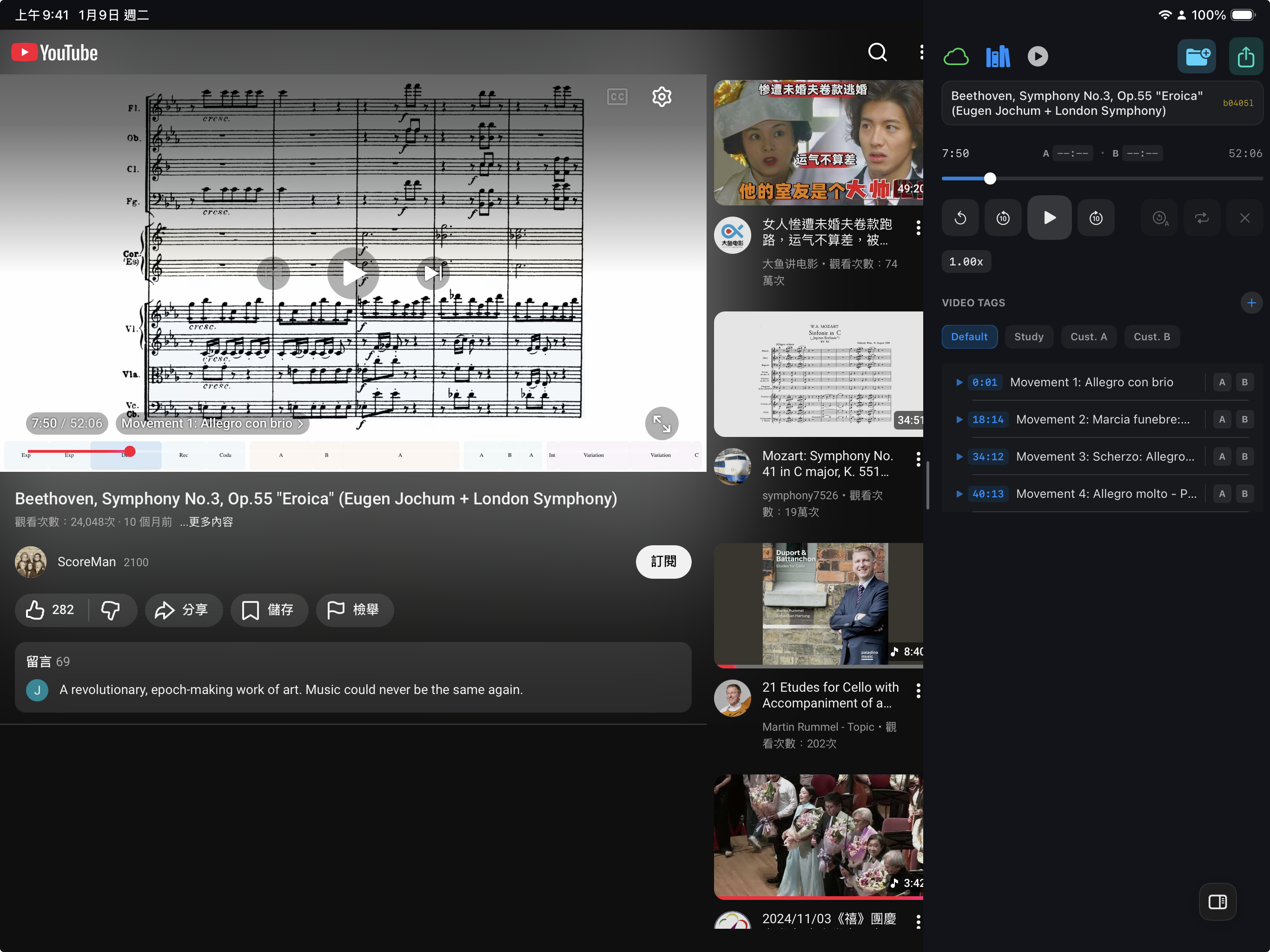
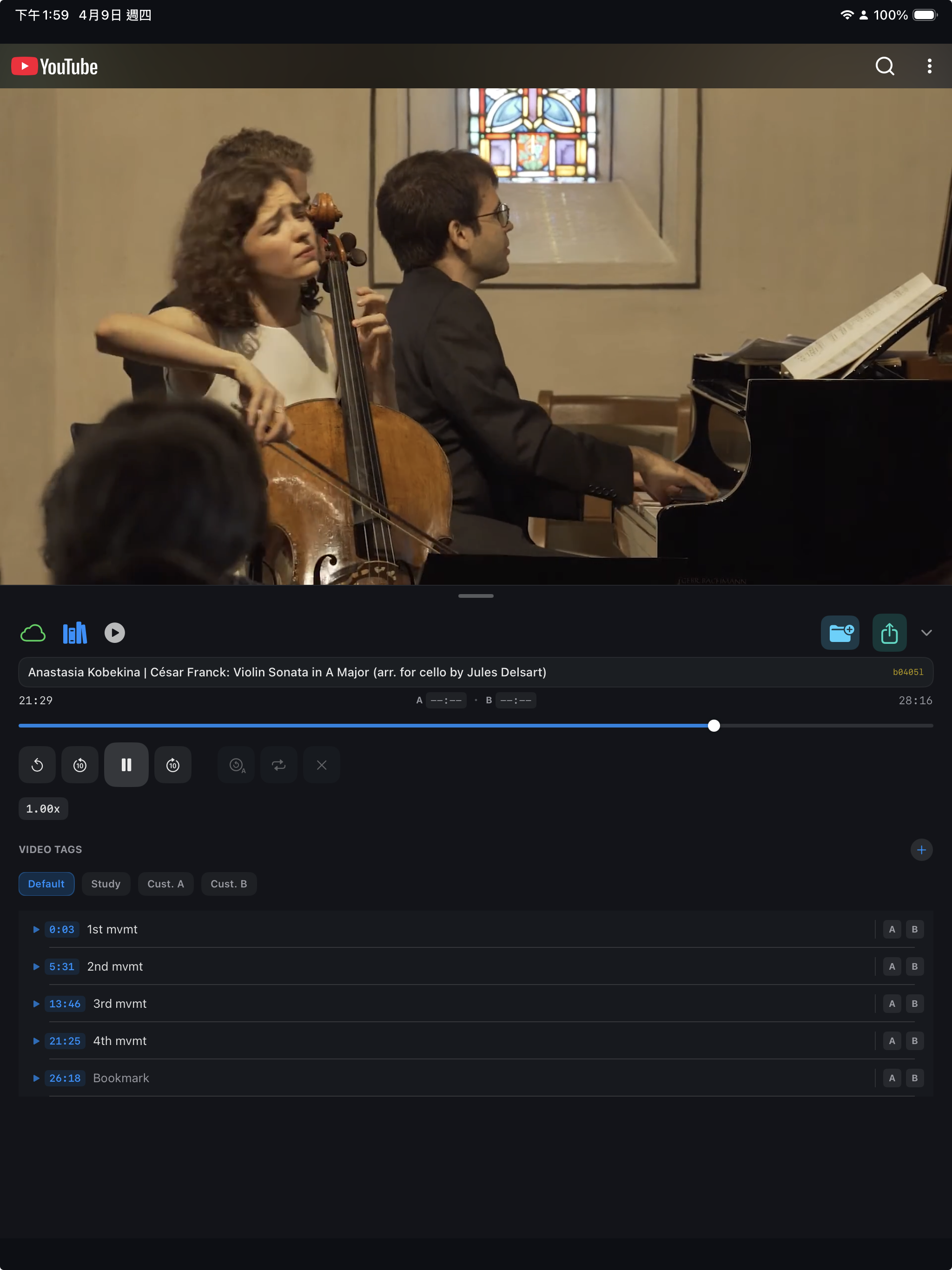
The interface keeps playback, timestamps, tag groups, and review actions close together so users can move from watching to indexing in one pass.
A wide layout keeps the bookmark list visible while the video continues playing, which makes repeated review feel much faster.
Playback tools, tag groups, and bookmark rows stay visible in a clean vertical stack.
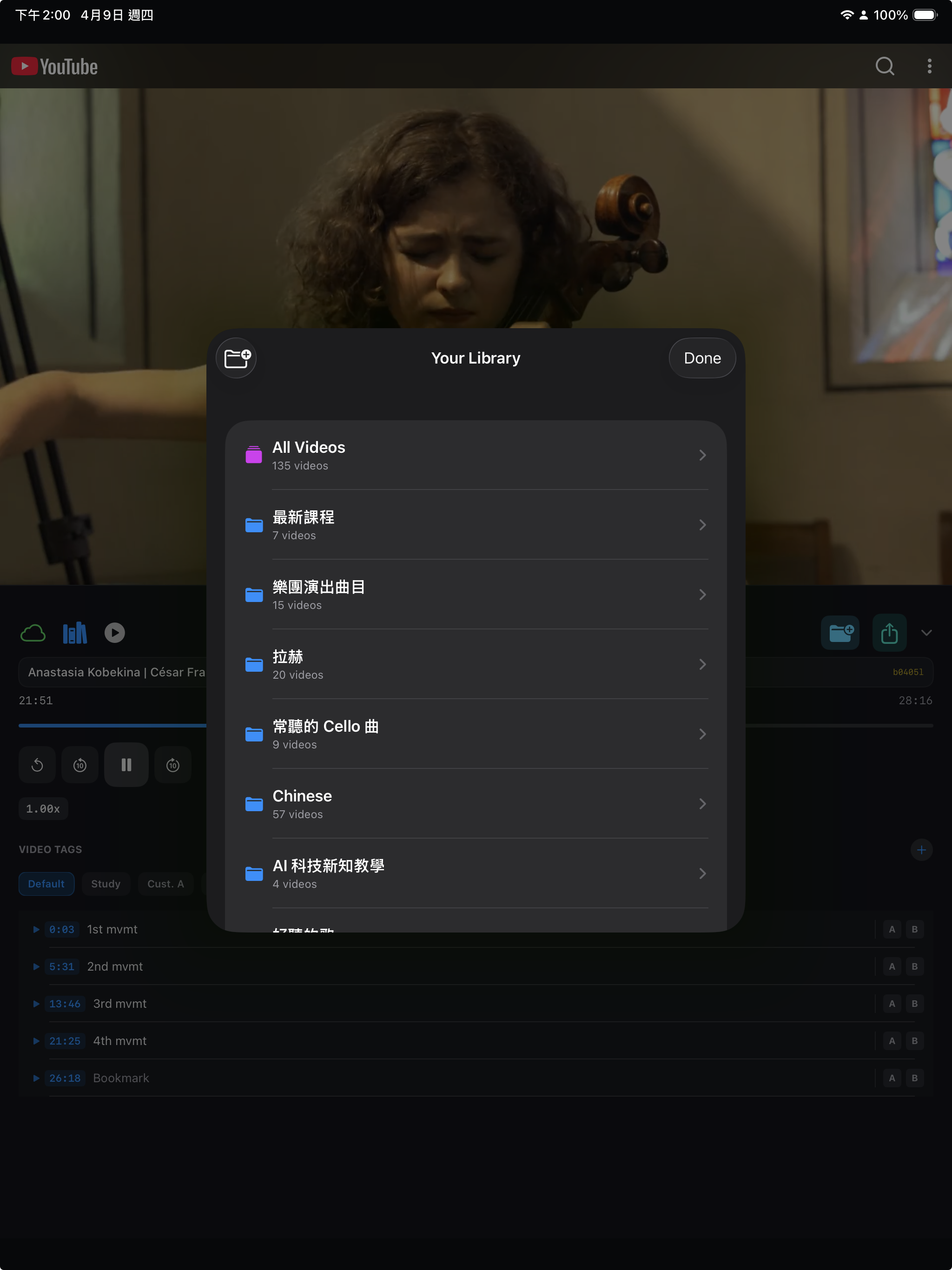
The library view turns saved videos into organized collections instead of a loose watch history.
Core Flows
Import a file, open a web video service, capture study moments, organize them, and sync your progress without breaking focus.
Save moments into multiple tag groups so one video can support technique notes, theory notes, or rehearsal checkpoints at the same time.
Start from a local video file or open a web video service. Web Service is an entry point, not a single-platform mode.
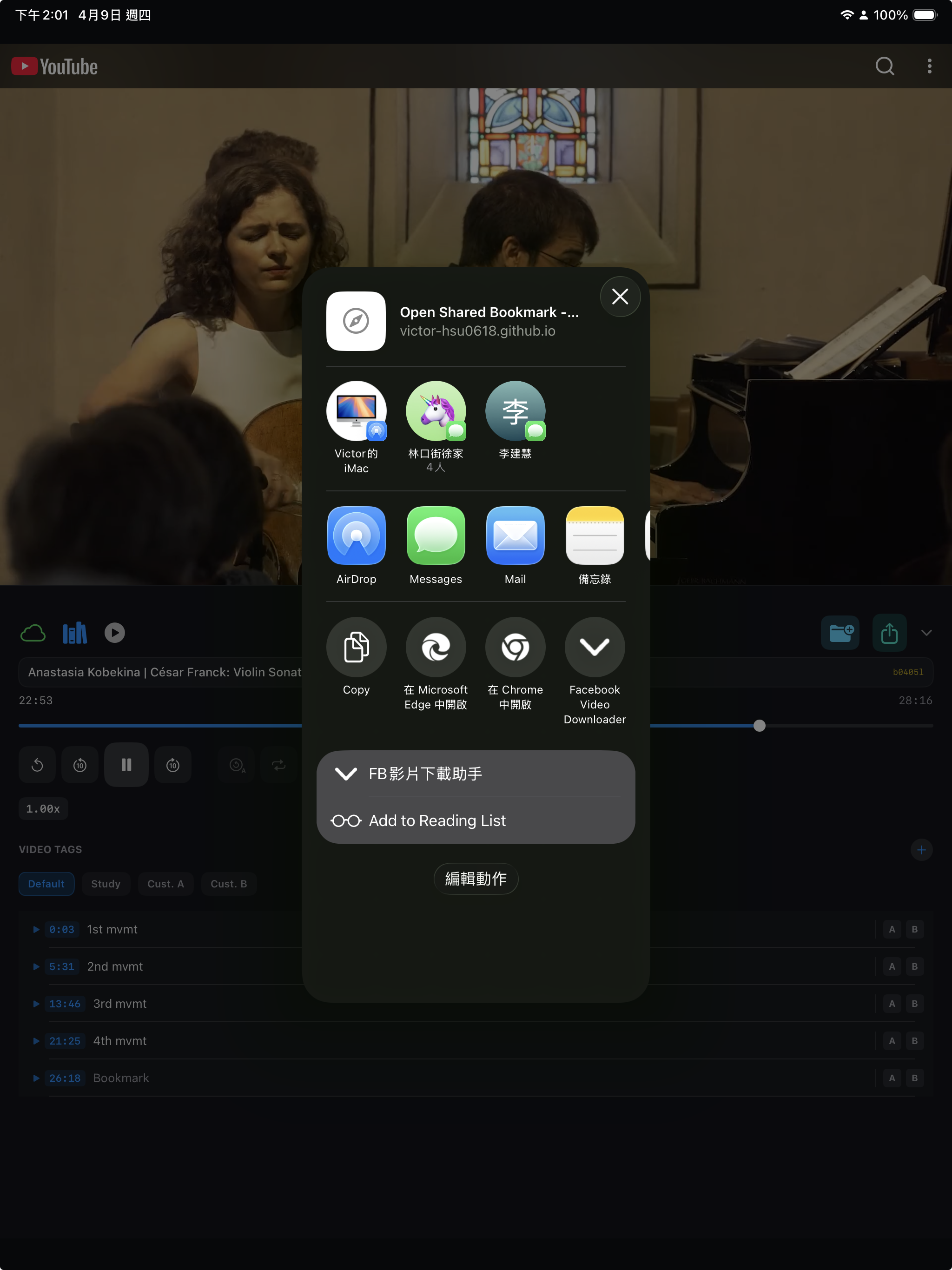
Send focused bookmarks to another person instead of asking them to scrub through the whole video.
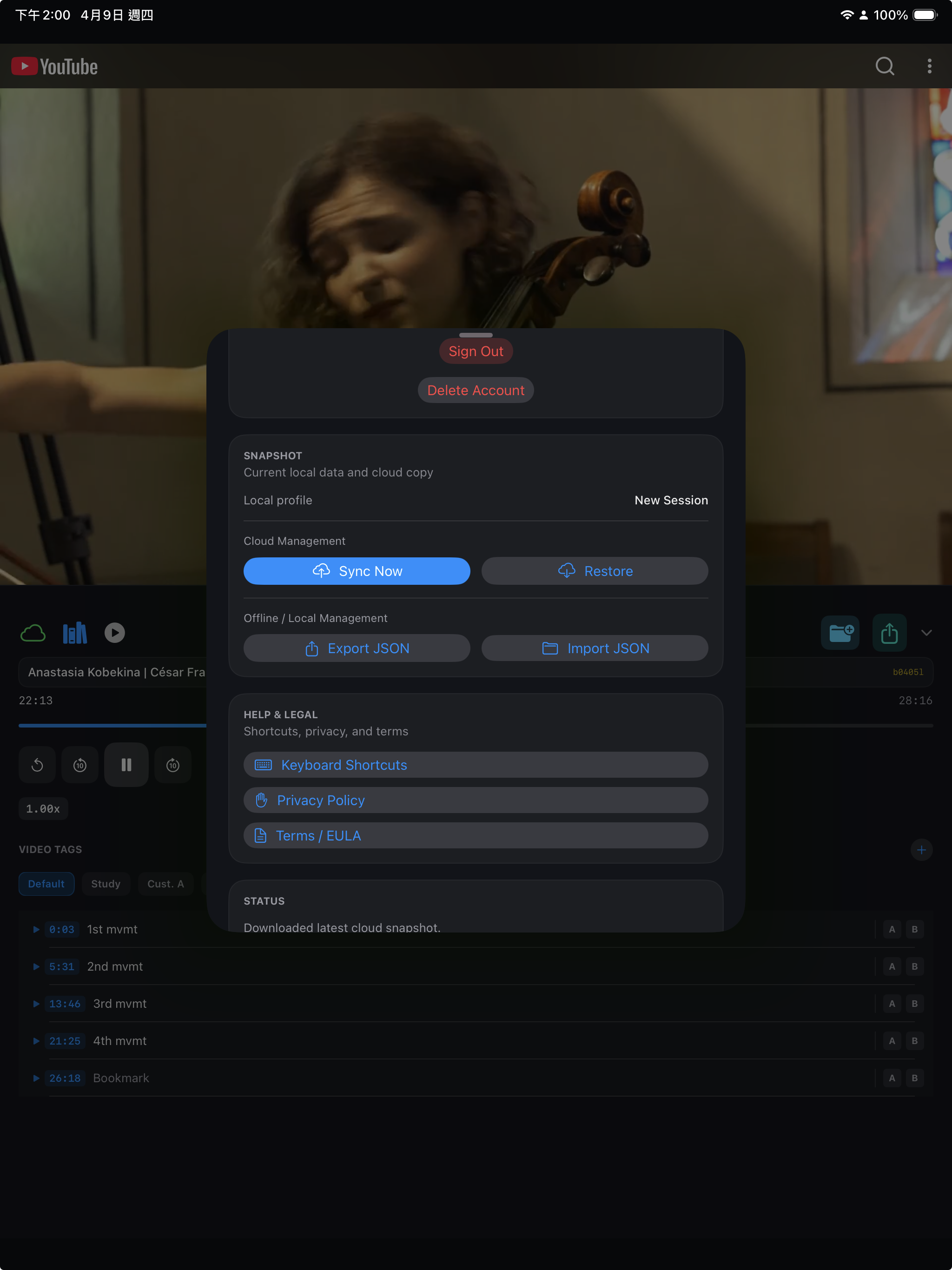
Use snapshots and restore controls to keep study data portable across sessions and devices.
Share
The share flow is already tangible and easy to explain visually, which makes it a strong portal section for first-time users.
Cloud
Snapshot tools give users confidence that their notes, groups, and playlists are not tied to a single device.
Collections
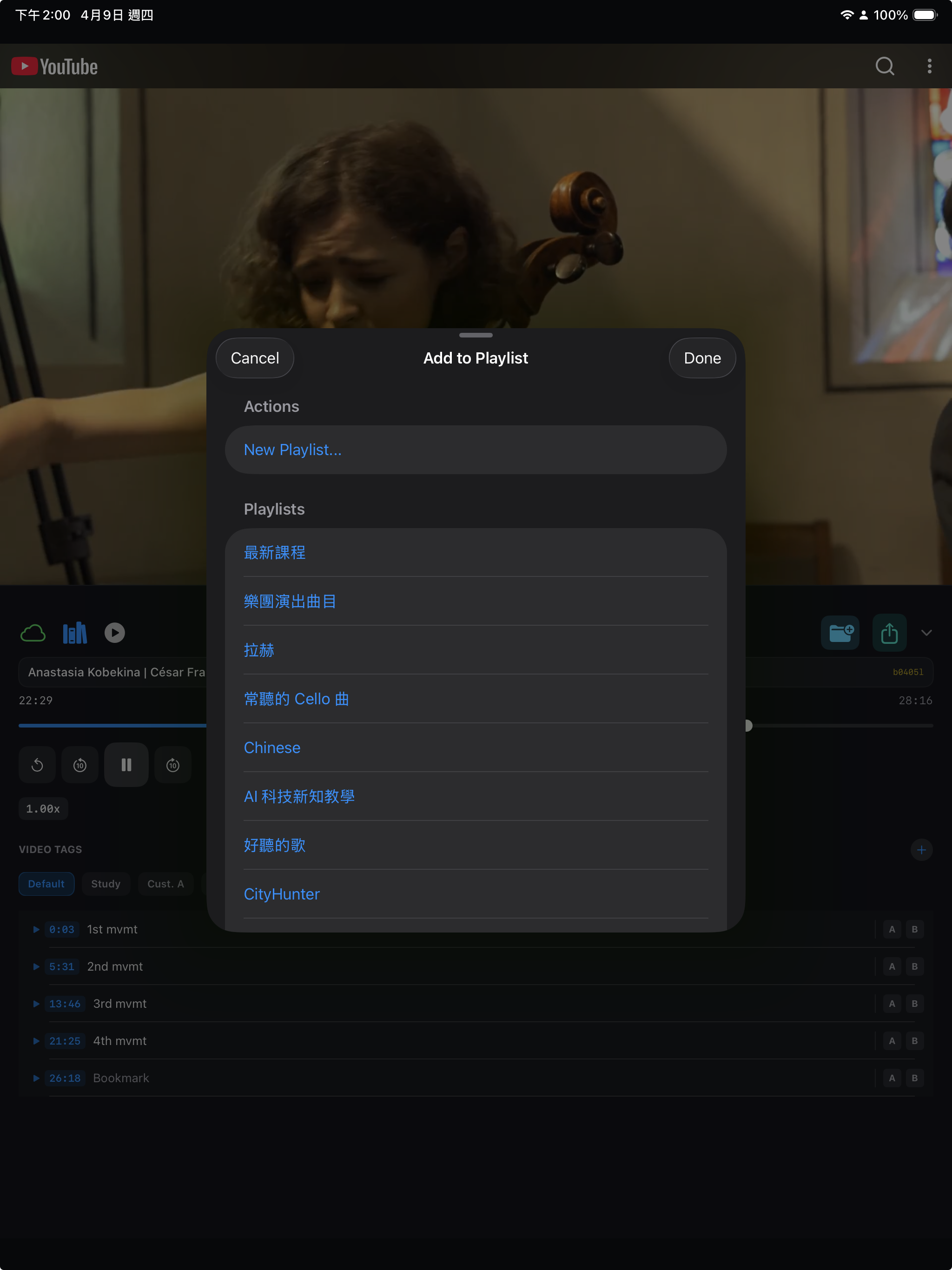
The add-to-playlist flow supports a simple portal promise: collect, revisit, and keep learning paths organized.
Initial Portal Direction
This first portal intentionally leans into the app's real UI, dark control surfaces, and music-study use case so users immediately understand what the product is for.